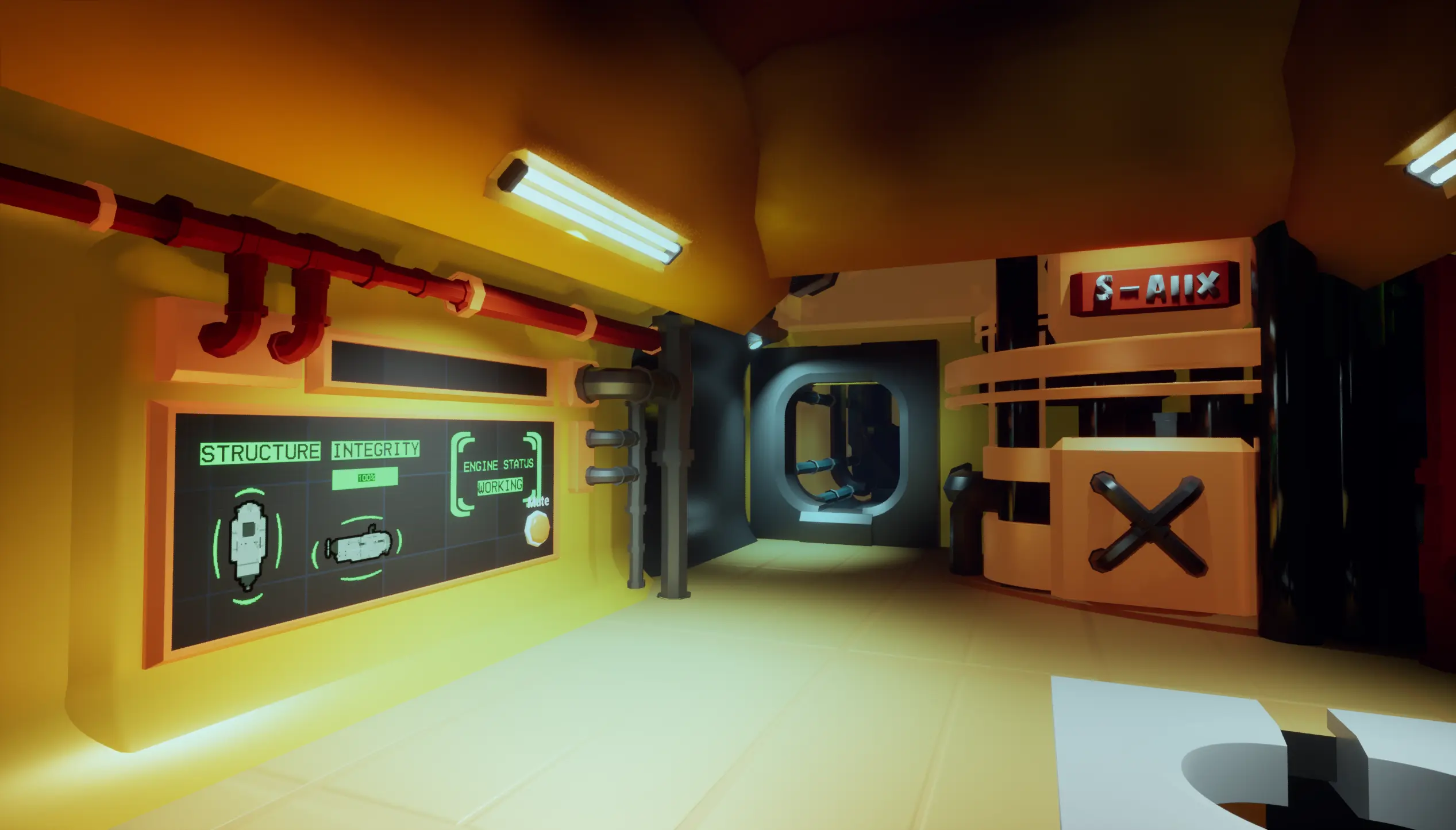
SUBOPTIMAL Banner Image

SUBOPTIMAL

OVERVIEW

SUBOPTIMAL Promo Image

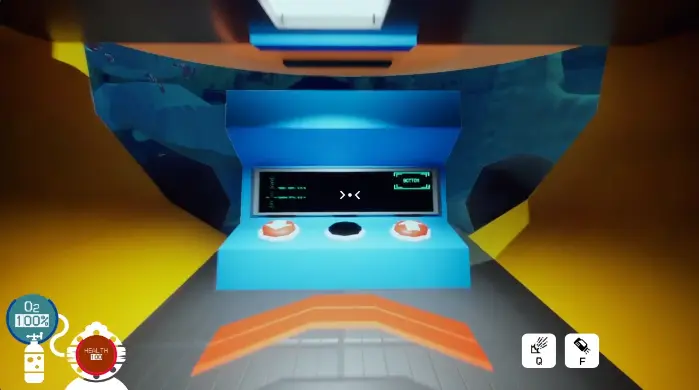
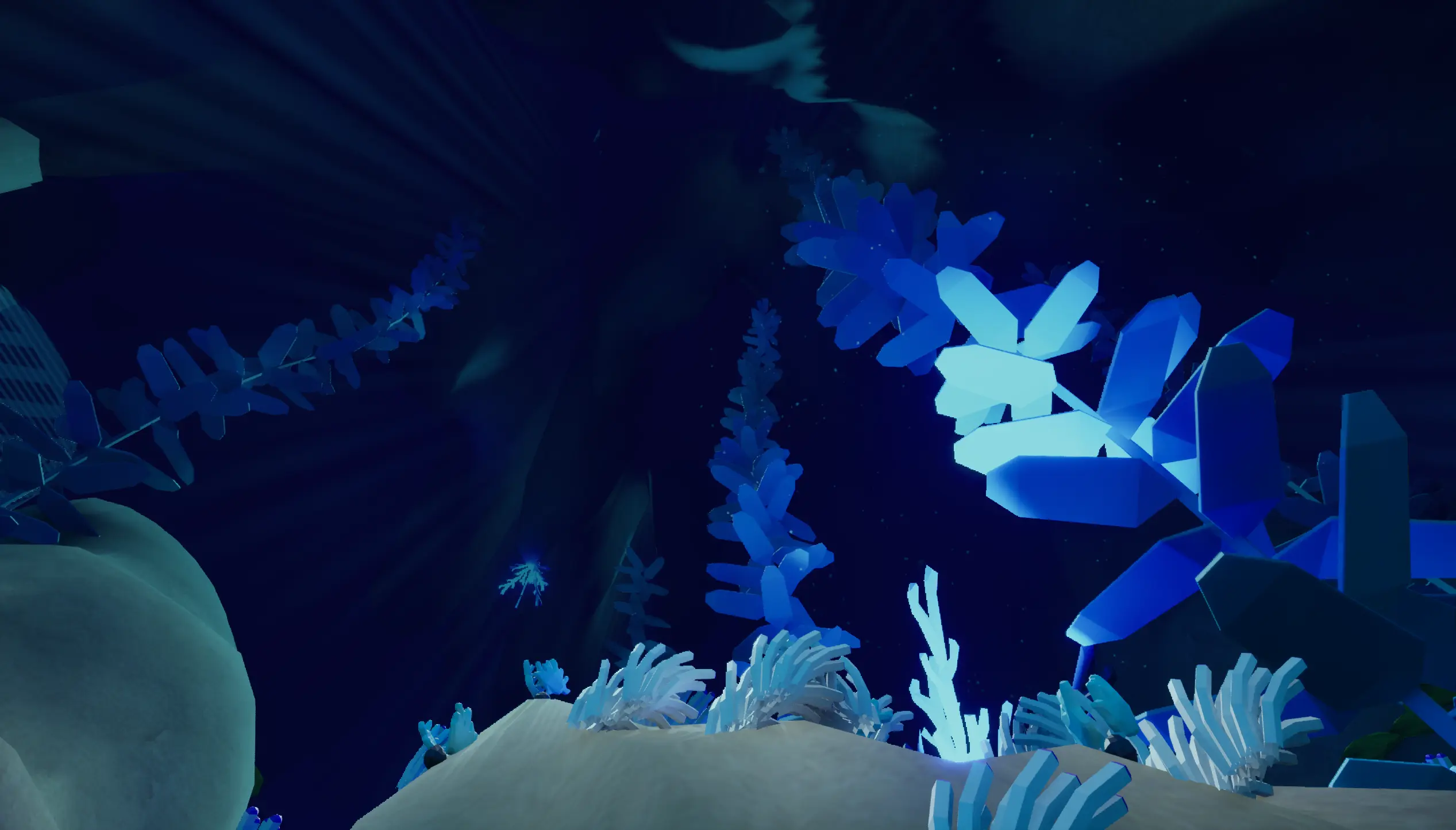
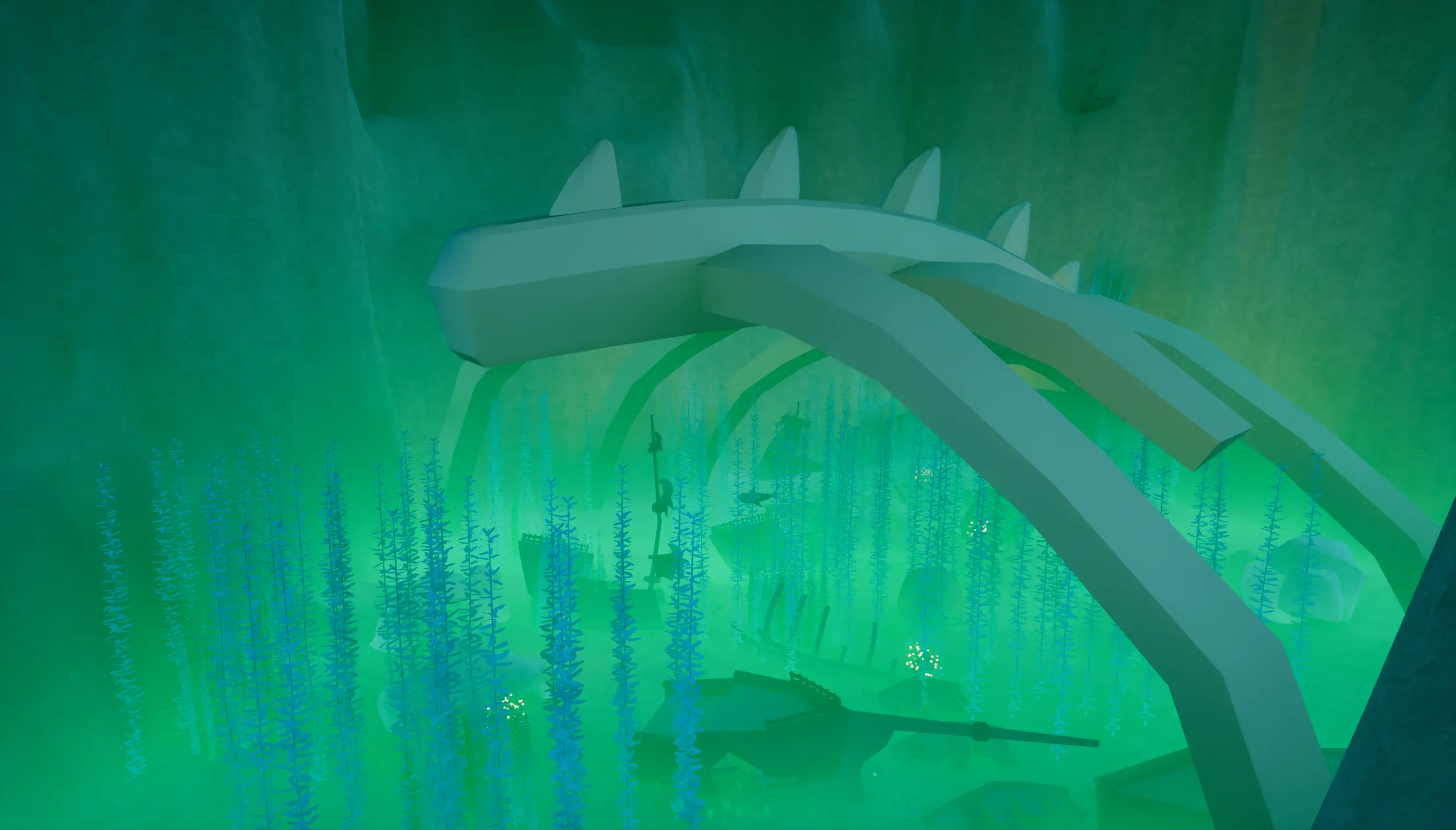
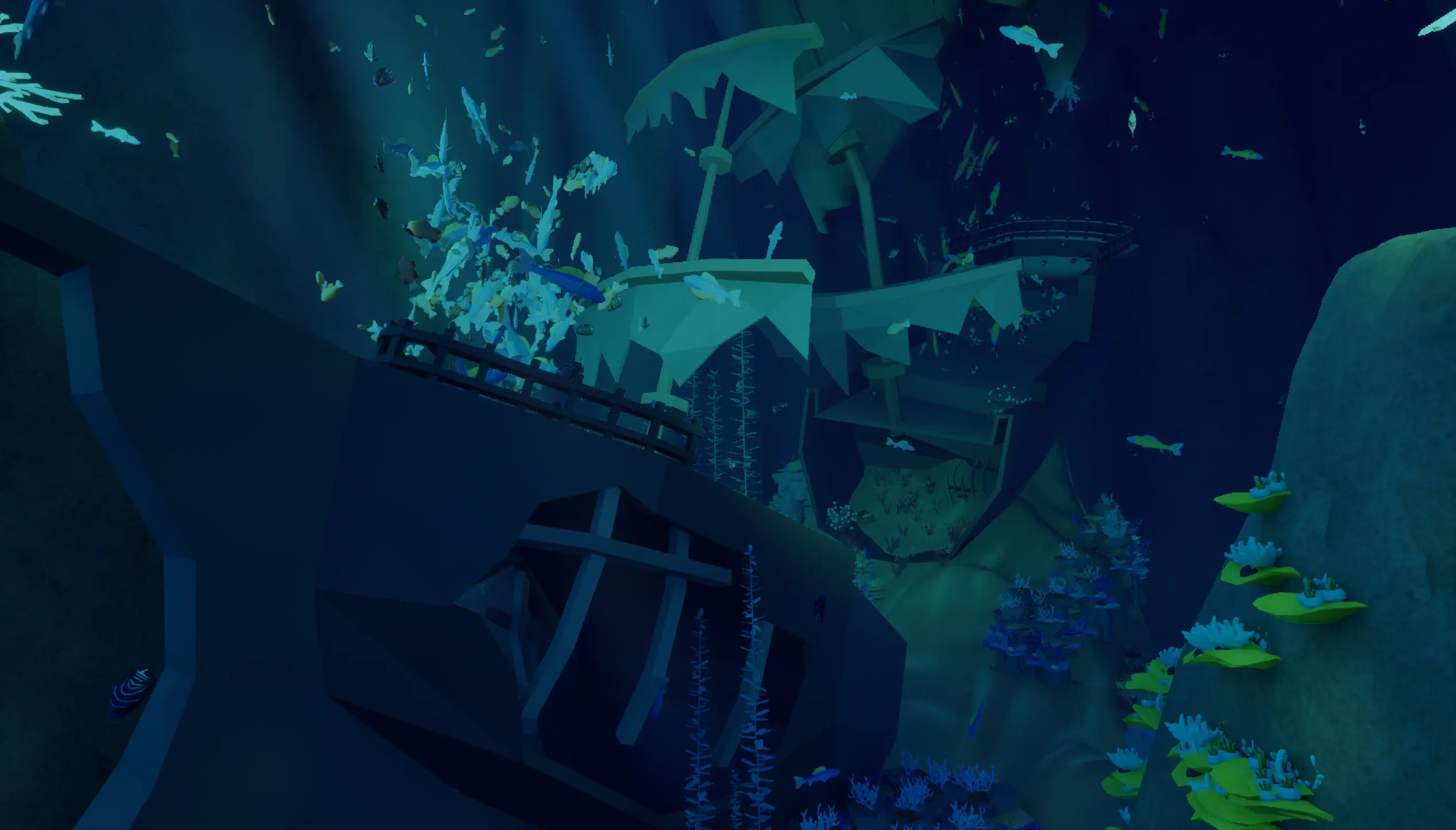
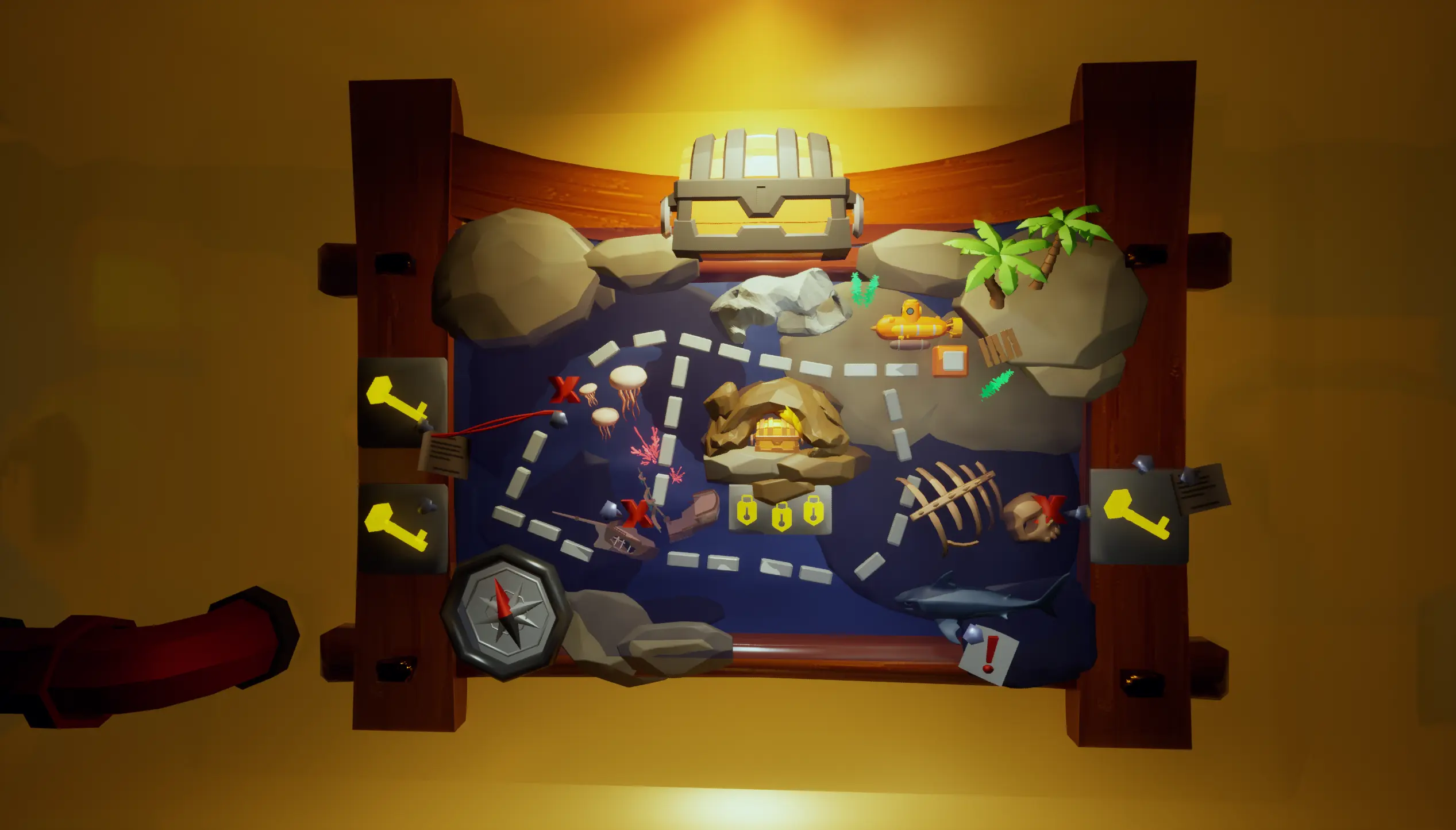
Dive into the ocean depths with a submarine and some friends to find a lost treasure!

  • Designer Icon

    Technical / Systems Designer / Scrum Master

  • Prototype Icon

    4 Weeks (2025)

  • Person Icon

    8

Unreal Unreal Unreal Unreal
Online Co-op Multiplayer Goofy 3D Steam

DEVELOPMENT

Project Timeline

Week 1 | Ideation & Core

Prototyping, submarine iterations, multiplayer setup

Week 2 | Pre-Alpha

Player systems, level iterations, multiplayer mechanics

Week 3 | Feature Freeze

UI/UX design, core gameplay loop refinement

Week 4 | Polishing

Playtesting, SFX, VFX, bug fixing

Project Goals and Agile Dev Pipeline

Wanting to create a fun, online multiplayer co-op experience with friends, we focused on two primary design goals:

  • A challenge that requires teamwork and communication
  • Funny moments that arise from player and environment interactions

We took a lot of inspiration from PEAK, however, our USP is the emphasis on communication within the submarine and the tasks needed to operate/maintain it effectively.

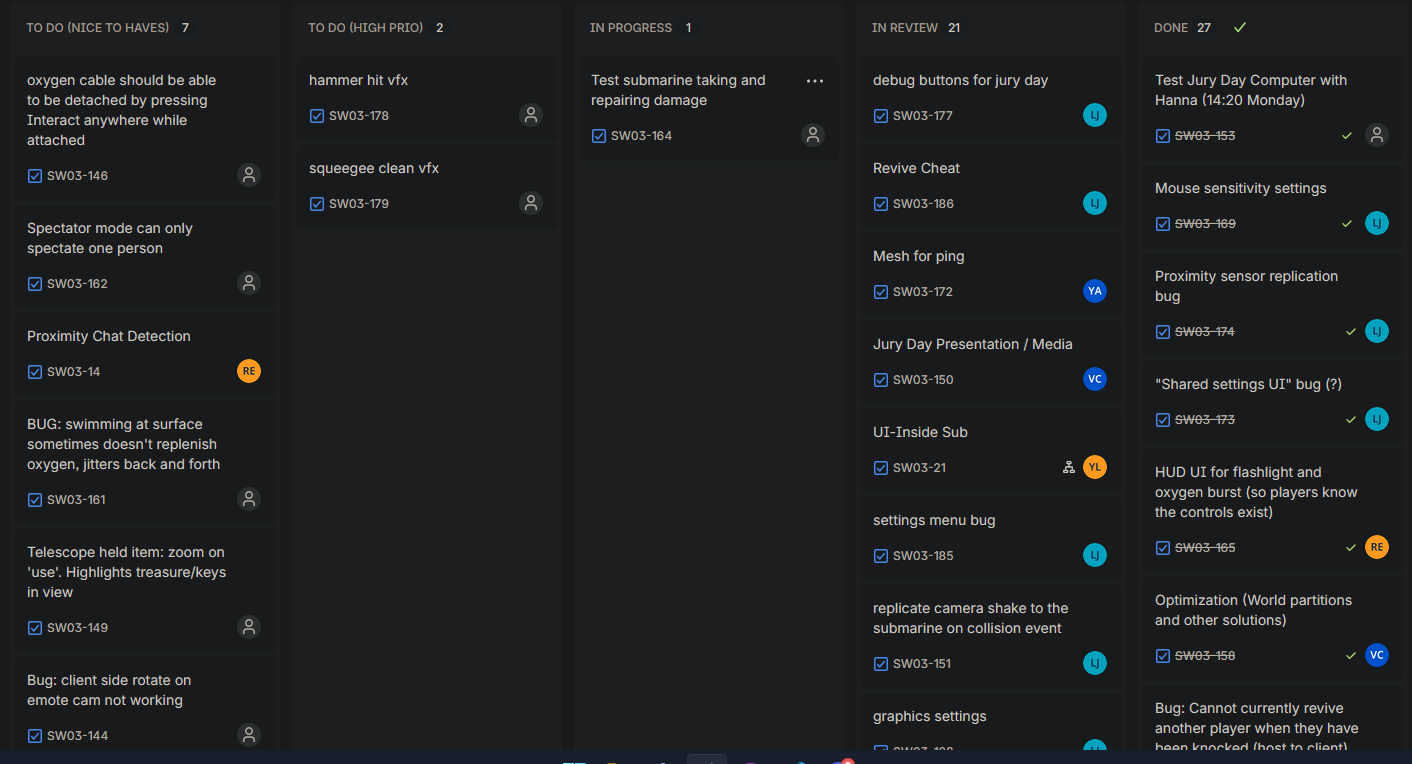
My Role as Scrum Master
Suboptimal Design Image

Online Multiplayer Architecture

The core technical challenge was ensuring a stable, low-latency 4-player cooperative experience. We built the entire game using a Server-Authoritative networking model.

Authority and Session Management

Communication: RPCs & RepNotifies

Local Input & Shared Player Data

View PlayerController Blueprint (Input Example) ↗
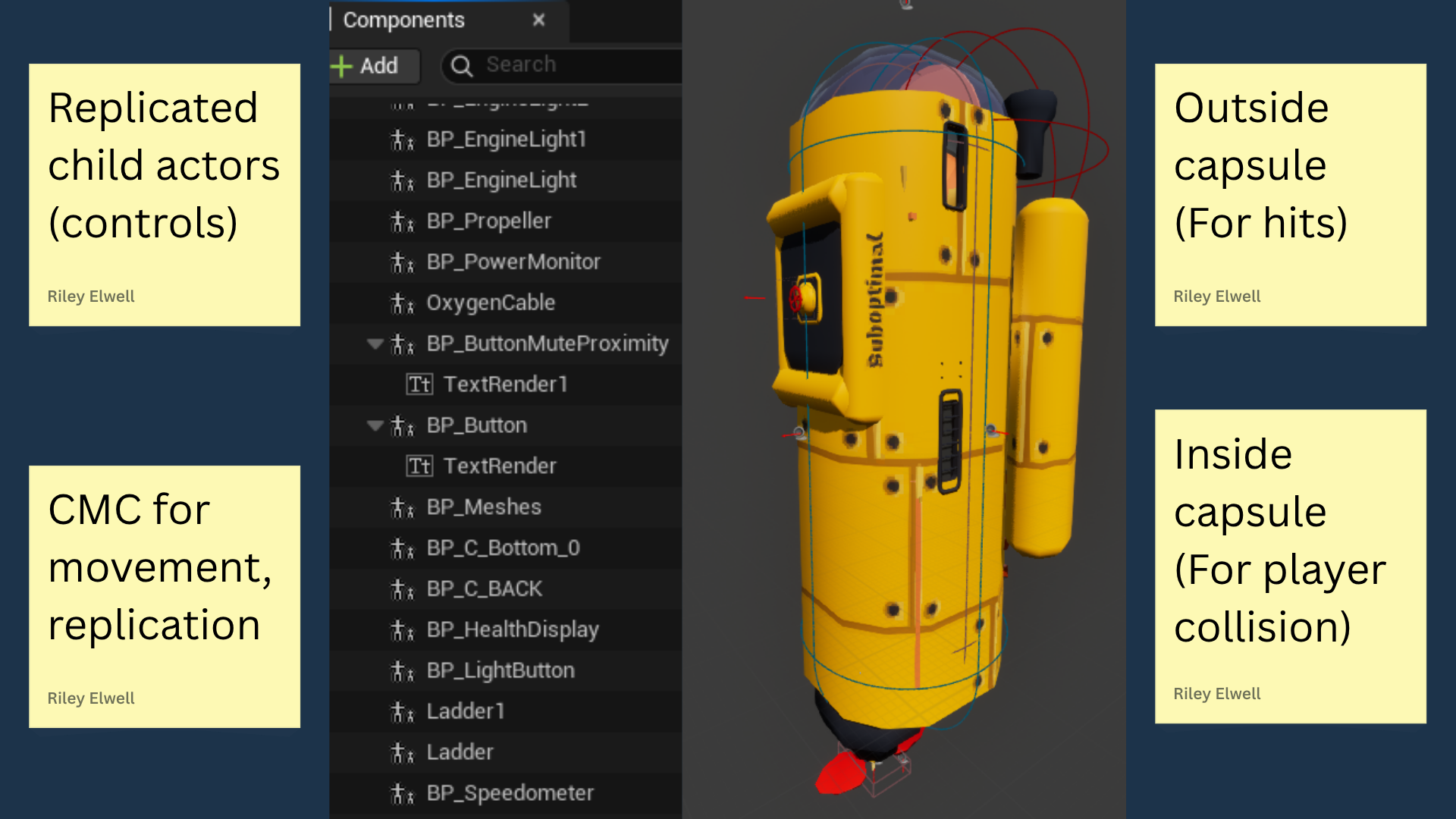
Our Submarine Solution

The online multiplayer submarine was the project's greatest technical hurdle. We needed a reliable four-player vehicle with a window for exploration, the ability for players to move, and detect collisions with the environment. To maintain net stability and performance, we had to pivot away from conventional Unreal Engine vehicle approaches.

Failed Paths & Trade Offs

Our successful pivot was to treat the submarine not as a vehicle, but as a replicated Character class. Players enter the submarine by swapping their collision channels upon entering. This clever workaround allowed us to leverage Unreal's Character Movement Component (CMC) and its inherent client prediction and net stability, ensuring low bandwidth usage and reliable movement. Crucially, this stability let us retain the large window, a critical element for underwater exploration.

View Submarine Blueprint (My Functions) ↗

Player State Management

The player had several different states that needed differentiating between for certain circumstances. The main ones included:

  • Normal / Land
  • Swimming
  • Inside the Submarine
  • Knocked / Unconscious
  • Dead / Spectator

Initially, I often encountered complex replication issues on the client, particularly when using generic Server RPCs called from different server-owned objects (such as triggers or overlaps).

With the help of a team programmer, we refined the approach, relying instead on updating replicated properties directly inside the Player or PlayerController classes, using the associated RepNotifies to consistently trigger state changes and visual effects on all clients.

Example State Changes

View Spectator State Change Blueprint ↗

Reducing Jitter for the Client Players

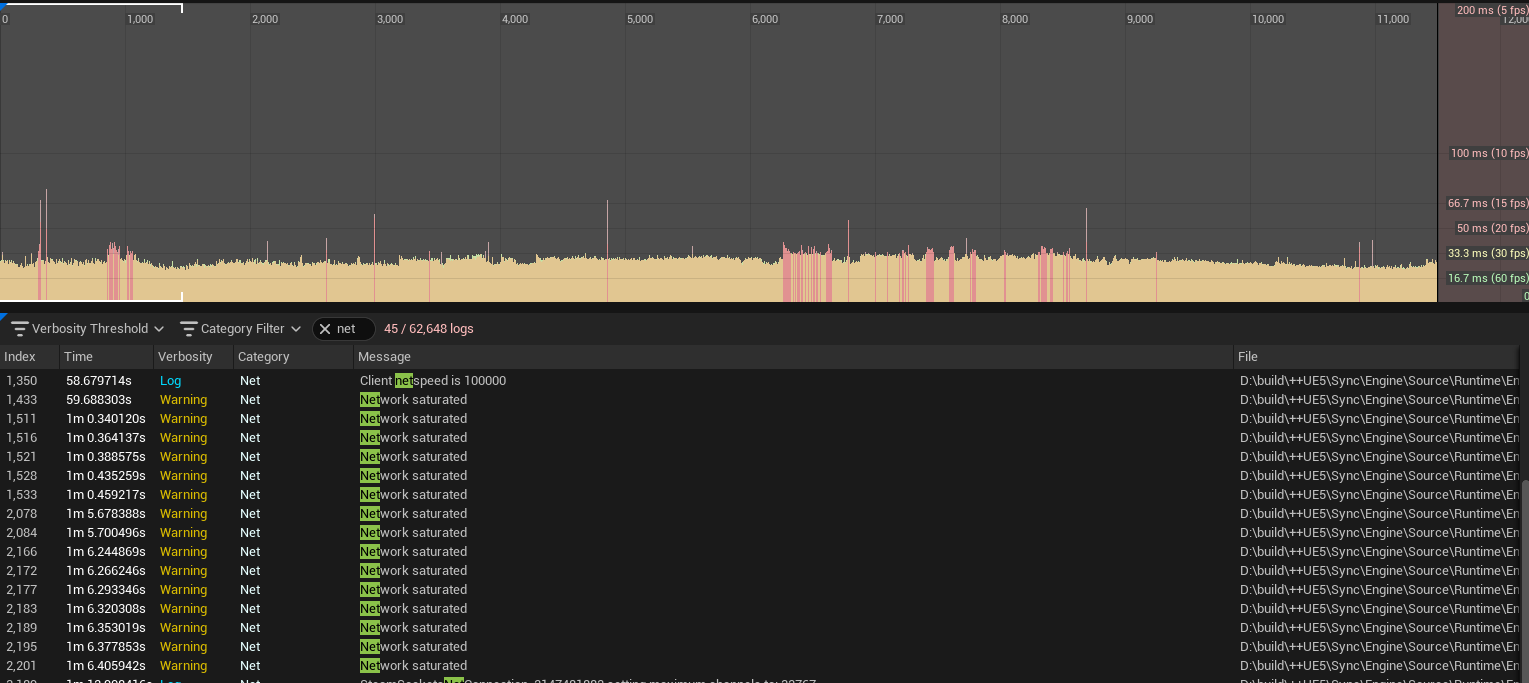
When players were inside the submarine, they experienced heavy movement jitter. We used Unreal Insights to profile and test numerous builds, finding the root cause was net bandwidth spikes due to mismatched replication rates on internal components. We also found the host's performance had a direct impact on the client's network experience.

The average FPS increased from 28 to 60, and network bandwidth warnings stopped occurring in packaged builds.

Breakdown: Fixes

Initial Playtest on Client (Before Jitter Fixes)

Final Day Playtest on Client (After Jitter Fixes)

Interactions & Held Items

I added two functions to the interaction interface.

  1. 'GetPrompt' was used to give each interactable a distinct UI hover display, providing more details to the player before interaction.
  2. 'CanInteract' was used on each object to determine the circumstances in which a player could actually interact with the object. This was mainly used so players couldn't interact with the ship controls at the same time, or take a hammer from each other...

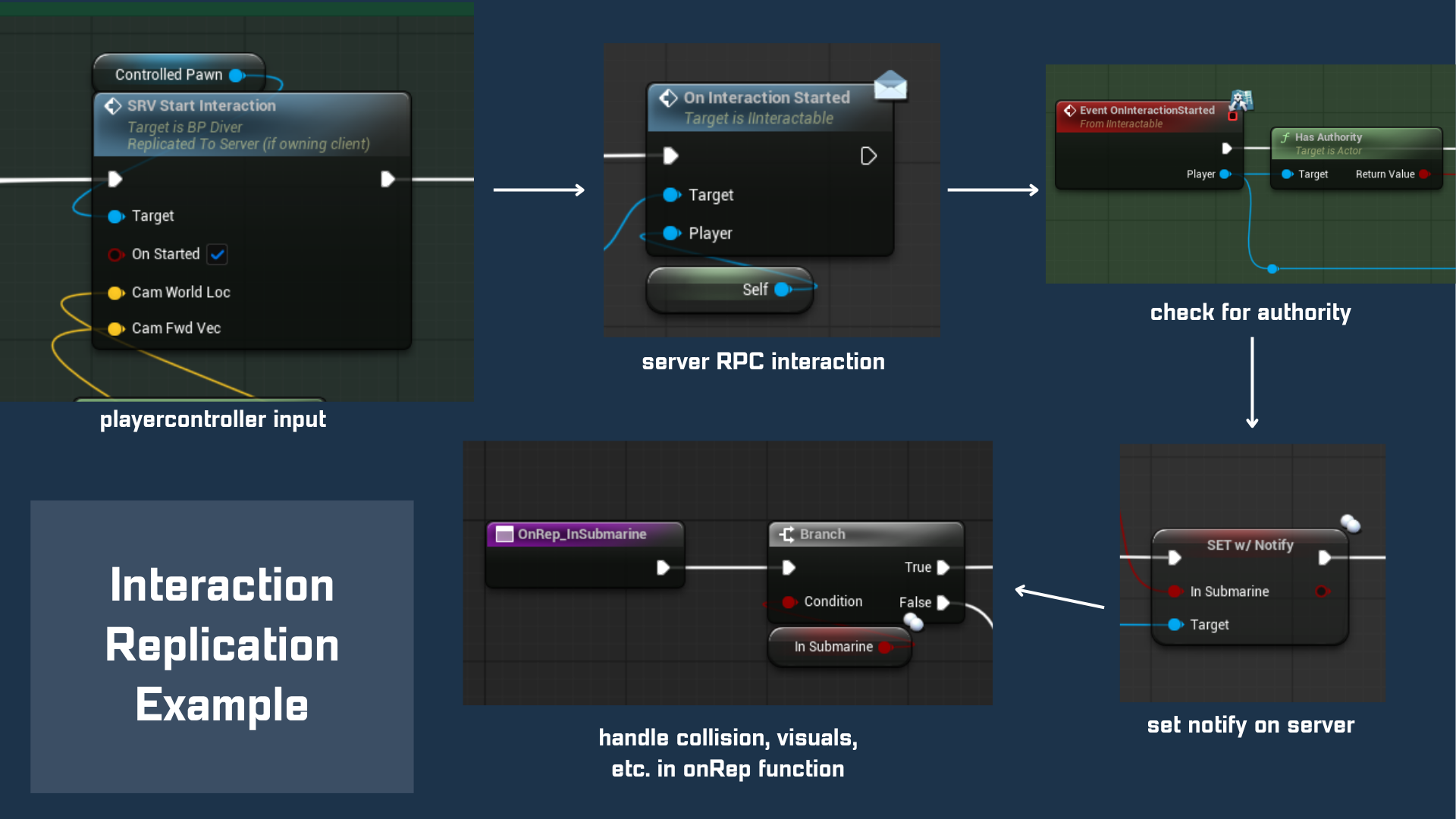
I used a Server RPC called from the player's local PlayerController class in order to make each interaction called on the server. Then, I could use RepNotifies or Multicasts inside the interactable's class, depending on what was needed. An example is to the left.

View Interactables in PlayerController Blueprint ↗
View Example Interactable (Throttle) Blueprint ↗

I worked closely with our other technical designer to create a held item base class that we could use for any held item. This system re-uses the interaction interface to standardize usage, ensuring any new tool can be added instantly without modifying player logic. I specifically handled the replication of their properties, their animation implementations, and the proper socket locations.

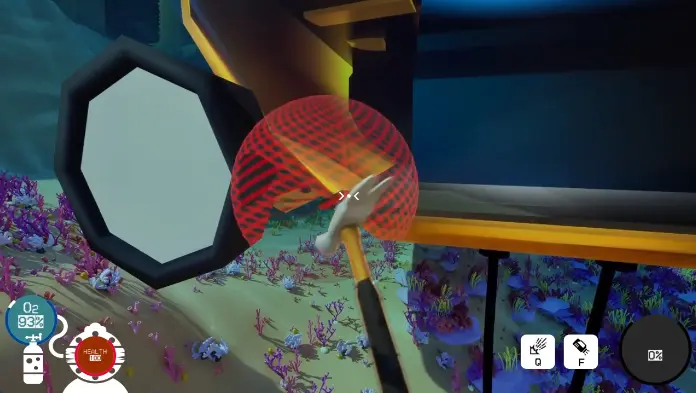
These two videos show the hammer and squeegee, our two held items that are direct solutions to two of our environmental hazards.

  • The hammer is used for repairing the submarine after collisions.
  • The squeegee can clean the glass after a squid inks you!

View Held Item Base Class Blueprint ↗
View Food Held Item Blueprint ↗

Other Features I Worked On

  • Player Oxygen & Health
  • Oxygen Cable
  • Oxygen Burst Design
  • Algae-Submarine Interaction

More Info Below...

REFLECTION

This project was a fantastic learning experience, allowing me to grow significantly as a designer and developer. I gained valuable experience collaborating with various disciplines, how online multiplayer architecture functions, and methods for debugging and analyzing network/optimization issues. I also improved my skills in Unreal Engine, particularly with Blueprints and some C++ implementation.